
How to Search Civil Dockets
Start with the public North Carolina eCourts Portal. It serves Graham County through a statewide system rather than a county or commercial database. Its Register of Actions is called a Case Summary. Smart Search works from a party name or a known case number. Filters can narrow results by Graham County location, case category, status, and other fields. Documented Portal categories include Civil Actions, nonconfidential Special Proceedings, and Estates.
Once a case opens, check its case information, assignment, parties, events, hearings, and disposition status. The case summary is a chronology, not a certification. For a present court date, run Search Hearings too. Paper files, restricted records, and copy requests all route through the Graham County Clerk of Superior Court.
- Open Portal Smart Search and enter a party-oriented term or accurate case number.
- Use the Graham County location and a civil category or status filter when a broad search needs narrowing.
- Open the matching Case Summary and verify the assignment, caption, and status.
- Read Case Events in date order, then compare the Hearings section with Search Hearings.
- Contact the Clerk for nonconfidential file inspection, copies, certification, or an official record.
Graham County Civil Docket Smart Search
Smart Search returns near-real-time public Case Summaries for eligible Graham County civil records. Expect tabs for Case Information, Assignment Information, Party Information, Causes of Action, Case Events, Dispositions, Hearings, and Financial Information. Each appears only where the case has that data. Locating docket activity this way does not promise that every pleading or order image can be downloaded.
Enter the complete case number when you have it. The advanced guide shows 01CR123456-100 as a Portal format example, not a Graham civil formula. Wildcard searching needs at least four known characters before the asterisk. Try an exact search first. The official North Carolina civil and small-claims court guidance spells out the Portal's civil search categories. It also covers search fields.
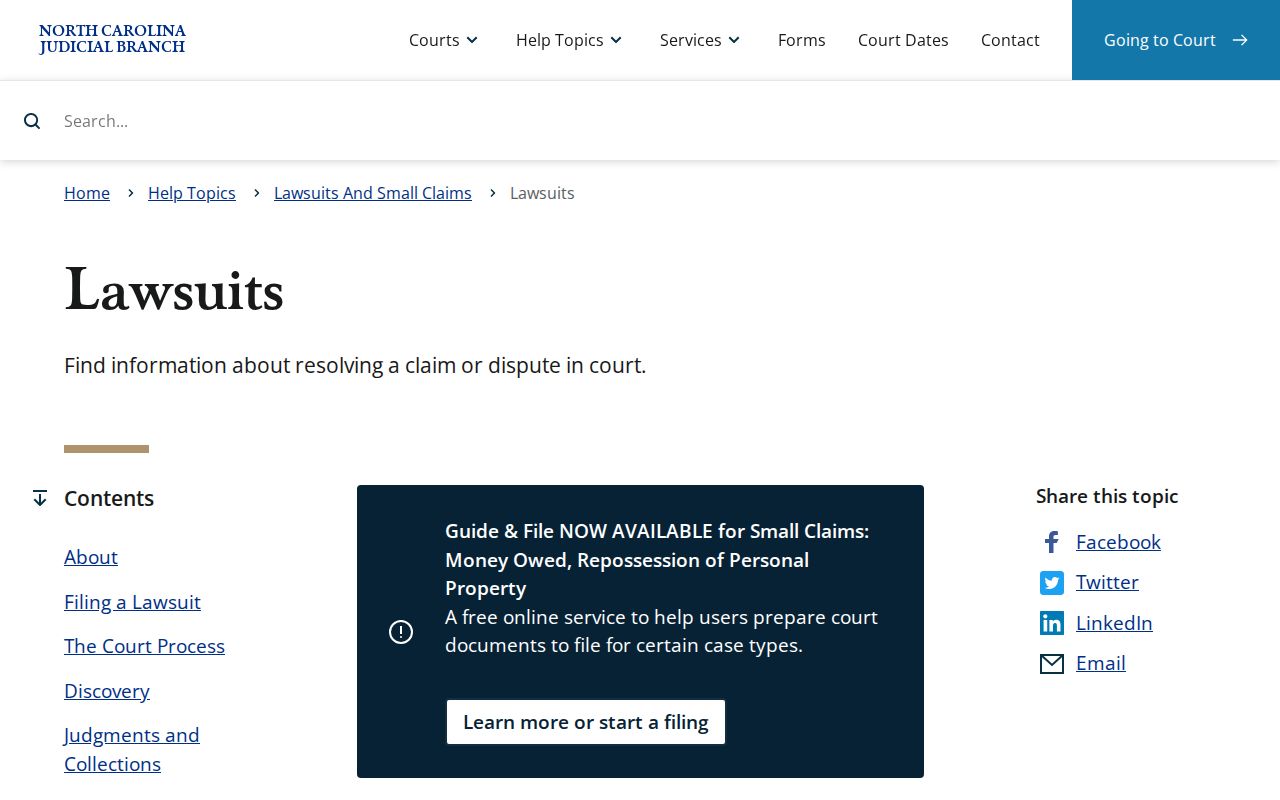
It provides jurisdiction context for civil matters searched in Portal.
What a Civil Docket Shows
A Graham County civil Case Summary opens with core case and assignment details. Caption and party roles may follow. The Portal labels a Causes of Action area when that detail applies. It covers civil, family, probate, or mental-health categories. Case Events are dated procedural actions, and Hearings list scheduled court activity where present. Read Dispositions and Financial Information in context with later events. A status alone does not explain every legal effect.
| Case and Assignment | Shows the case identifier, status, category, and available court assignment context. |
|---|---|
| Parties and Caption | Identifies the public party roles and formal case title. |
| Causes of Action | Provides case-type information for applicable civil and related categories. |
| Case Events | Lists dated filings, service-related activity, motions, orders, and settings where recorded. |
| Hearings and Dispositions | Shows recorded settings and outcome labels, both of which need the surrounding event history. |
Keep docket entries and filed documents distinct. The Portal allows public downloads one document at a time where available. For an official or certified copy, the Clerk is still the source.
Graham County Civil Docket Division Split
Division matters as a search clue. Under N.C.G.S. § 7A-243, civil actions of $25,000 or less belong in District Court, while anything above that amount belongs in Superior Court. Graham County District Court sits in District 43. Superior Court sits in District 43A. The unified Clerk of Superior Court keeps the local docket files for both divisions.
| Graham County forum | Documented civil role | Search and records route |
|---|---|---|
| District Court | Civil actions at or below the statutory $25,000 division line. | Portal Case Summary, hearing/calendar tools, then the unified Clerk. |
| Superior Court | Civil actions above the statutory division line. | Portal Case Summary, local civil calendar context, then the same Clerk. |
| Magistrates / Small Claims | Small claims as a District Court channel. | Clerk counter and Magistrates contact when appropriate, alongside Portal. |
The source image is from the official civil proper-division statute.
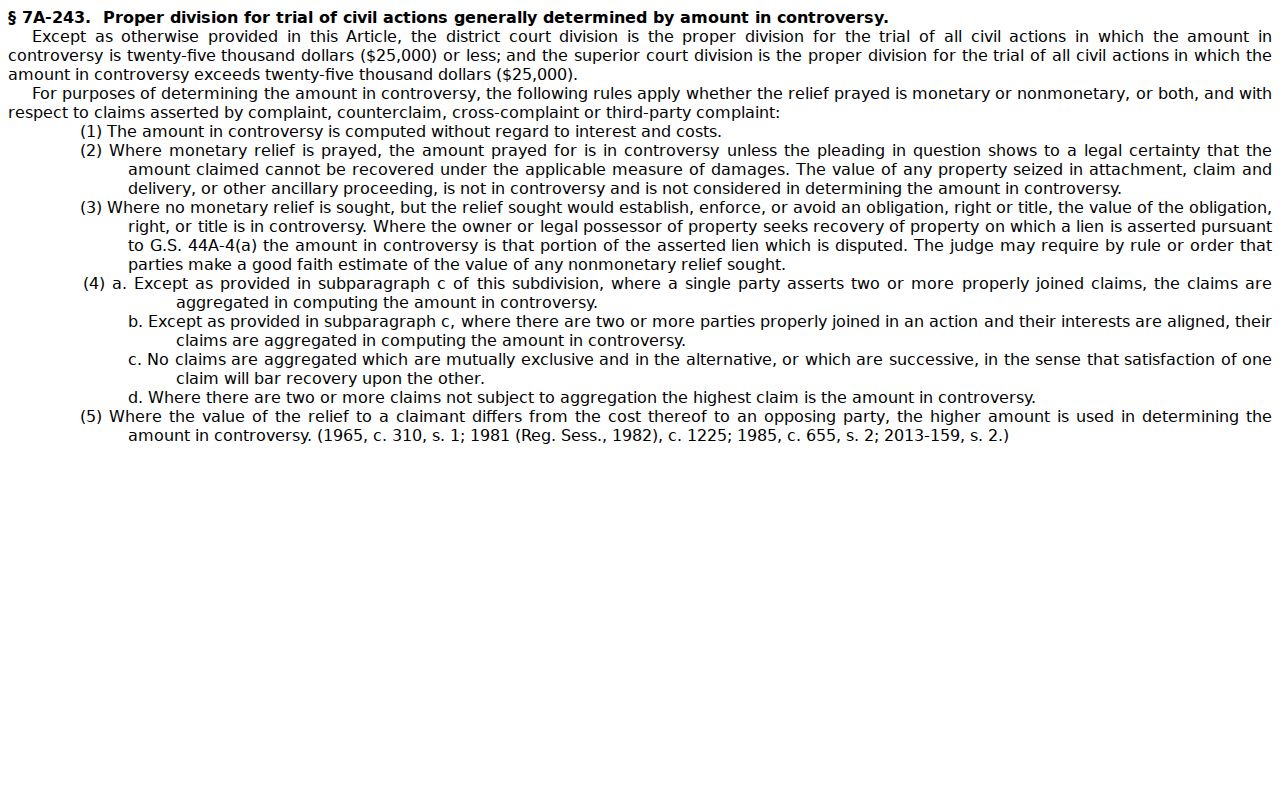
The statutory line explains assignment context only. It does not split the civil docket across separate Graham County clerk offices.
Types of Civil Cases on the Docket
Portal's documented civil search categories are Civil Actions, nonconfidential Special Proceedings, and Estates. The court's Case Summary may also carry Causes of Action for civil, family, probate, and mental-health matters. It appears where that applies. Small claims runs through the Magistrate and District Court channel. Estates and special proceedings are clerk-centered categories. The proper forum depends on the matter filed, not on any separate local civil portal.
- Civil Actions appearing in the Portal category and court-assignment context.
- Nonconfidential Special Proceedings visible through the documented public route.
- Estates, which remain within the Clerk's unified record system.
- Small claims handled through Magistrates as District Court officials.
- Family, probate, or mental-health categories when public access rules permit their display.
Not every category follows the same confidentiality rules. Treat search results as the public portion of a docket, not a full inventory of what the clerk file may hold.
Graham County Civil Docket Causes of Action
Causes of Action is the Portal's label for the type of claim in civil, family, probate, and mental-health cases where it applies. It gives helpful context for the case history. It does not replace the underlying pleading. A Case Event may show that a complaint, petition, service action, answer, motion, order, or setting was recorded, yet the facts and legal effect can still turn on a document not open to public download.
- Case Event
- A dated procedural action in the Case Summary chronology.
- Cause of Action
- The published case-type area for applicable civil and related categories.
- Pending
- No final disposition is shown. Check current events and hearings.
- Stayed
- Case activity may be paused; read the related order or event.
- Voluntary Dismissal
- A Portal disposition category whose particular details may be in the filing or order.
The Portal publishes no Graham-specific abbreviation glossary. When an event label is unclear, read the full entry and its date, then ask the Clerk about public record access rather than guessing at a meaning.
Settings and Hearings on Civil Dockets
A civil setting is a court event. It is not automatically a trial, and it is not a final ruling. Portal Search Hearings covers current settings, and you can query it by case number, party name, business name, attorney name, attorney bar number, judicial officer, or courtroom. A result may show the hearing location and time. The Case Summary's Hearings section gives another case-specific check. One caution: Portal does not label a result as virtual or in person, so the listing alone tells you nothing about how to appear.
Graham County's local administrative schedules link Civil Calendars and current District Court schedules. Those publications help with session planning. For a particular setting, stronger evidence comes from the Portal hearing result, a court order, or direct confirmation with the Clerk or the courtroom. A continuance or reset means the setting moved under court action or procedure, so compare later dates and events instead of trusting the first date found. A listed past setting may not be the next one, so end any Graham County civil docket search with the most recent hearing and event information.
Graham County Civil Docket Calendar Checks
Graham Civil Calendars and Portal Search Hearings answer different questions. A local calendar or schedule PDF shows session-level planning and a court-wide list. Search Hearings is the case-level tool. It fits a known matter or a narrowed name, courtroom, or judicial-officer query. Smart Search adds the Case Summary chronology. That chronology can surface later events that change how an older setting reads.
Graham's local rules page identifies a Superior Court civil case-management plan and administrative schedule material. Those sources give context, not a substitute for the live case record. The court posts no Graham-specific standing remote-hearing link or fixed courtroom call order. For those questions, call the Clerk at (828) 479-7000 or use the public terminal route.
The state publishes civil, small-claims, estate, and special-proceeding caseload activity reports for every county.
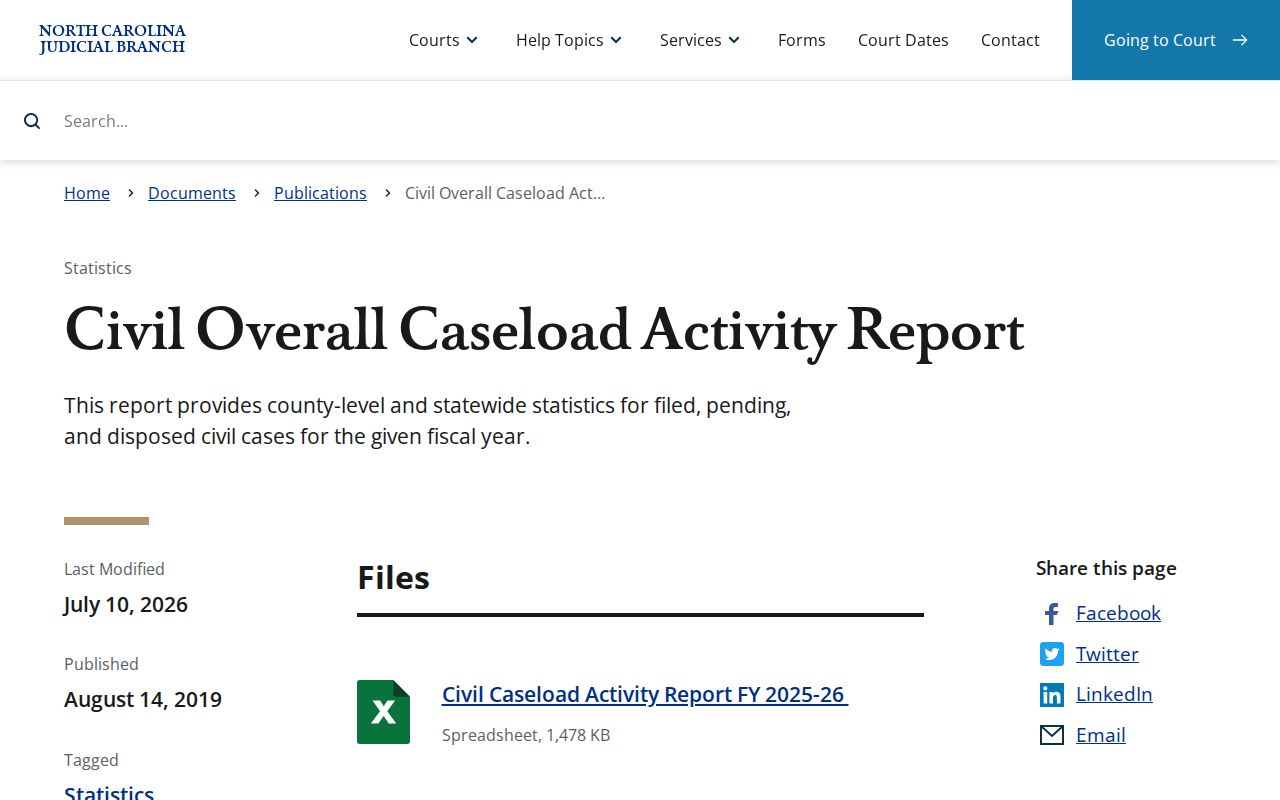
Those reports give county-level context. For the current Graham County civil docket, the Portal hearing result and Case Summary remain the route.
Public Access to Civil Dockets
Online access is the start, not the end. Portal excludes sealed, confidential, and restricted material. At the Clerk's office, public self-service terminals and nonconfidential paper files open another route. The Graham County Clerk of Superior Court at the courthouse, 12 Court Street in Robbinsville, keeps the case files and handles copies and official certification. The main Clerk number is (828) 479-7000. One shortcut to avoid: the Judicial Branch administrative public-record request form does not cover court-file documents, because it directs case-document requests to the county clerk.
Civil access rules: N.C.G.S. § 7A-109 covers clerk-maintained court records and public inspection subject to legal limits.
N.C.G.S. § 132-6 addresses inspection and copies at reasonable times on payment of lawful fees.
N.C.G.S. § 1-72.1 supplies a civil judicial-record access and sealing procedure.
The source image is from the official civil judicial-record access statute.
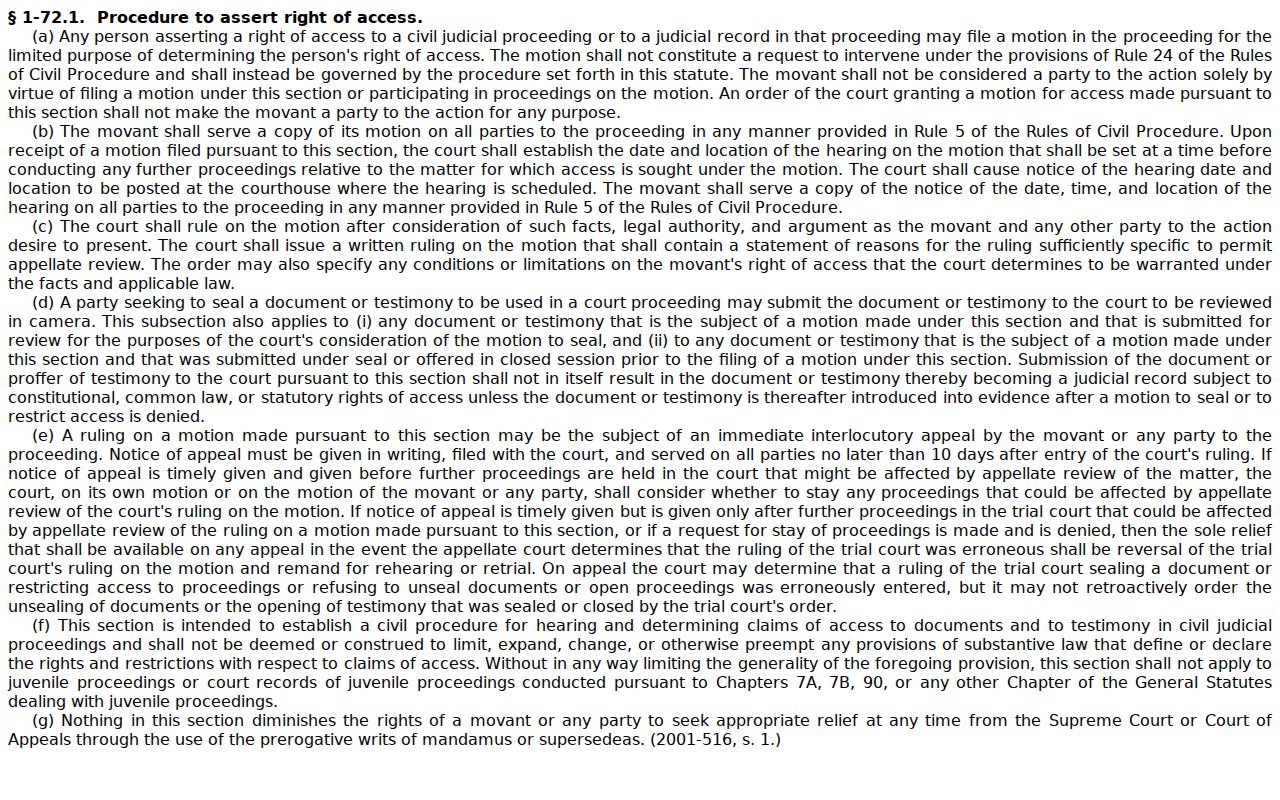
Sometimes a civil record stays hidden in Portal. Try a different search first. If it still will not appear, ask the Clerk about access, or use the statutory civil-record process rather than assuming anything about the case. Portal viewing carries no stated fee in the official materials, though document images and certification take a Clerk check. N.C.G.S. § 7A-308 sets the statewide clerk fee baseline: $2.00 for the first page of each document, $0.25 for every additional page or fraction, $3.00 for a certificate under seal, and $10.00 for an exemplification. Graham County posts no expedited fee, no docket-sheet flat fee, and no processing-time promise. Gather your details before a large request. Bring the case number, the parties, a document or docket description, the approximate date, and the copy type you want. Then ask the Clerk to quote the total. The link leads to the official North Carolina public-record inspection and copying statute, which sets out what a public record holder must let you see and copy.
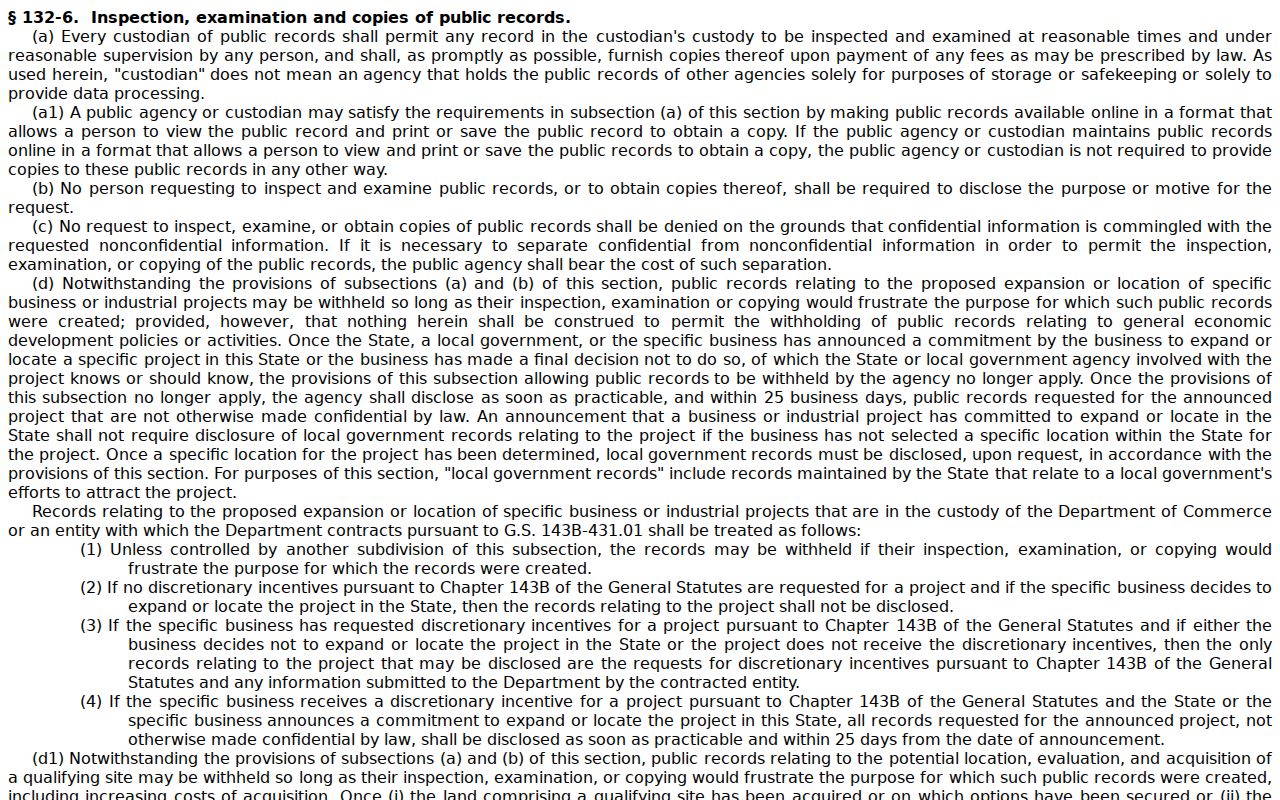
That inspection and copy rule backs public access. For a specific Graham County civil record, the Clerk sets the correct route and charge.
Graham County Civil Docket Judgment Index
NC Judgment Search is the place to start for judgment index entries. Search it by party name or case number. You can narrow results by case type, status, location, judgment date, and judgment type. Each entry can show a case number, the status, an index date and time, the parties, and disposition-related comments. Remember that it is only an index. It is not the full Graham County civil case file. Smart Search gives you the fuller Case Summary. The Clerk handles a public filed document, an official copy, or a current payoff question. One caution: a displayed judgment amount may be the original figure. Confirm current details through Smart Search or the Clerk. File & Serve, for its part, is an e-filing route rather than a public docket search. The link points to the official North Carolina expunction statutes collection. It governs when certain court records can be cleared.
Access limits and record-removal statutes explain why an index search cannot replace the full public Graham County civil docket or Clerk file.
Need a document behind a case entry? The county court records reference explains the Clerk copy route.
Graham County Civil Docket Portal Limits
A civil Case Summary in Portal packs a lot into one screen. You get assignment, parties, and Causes of Action where they apply. Case Events, dispositions, hearings, and financial information round it out. What it does not promise is a public image of every pleading, order, or attachment. Plenty of documents stay off the screen. When you truly need the wording of a filing, note the event. Then ask the Graham Clerk to see the public court file.
Portal also shuts out confidential, sealed, and restricted material from ordinary public access. A cause-of-action label helps as context. It is no substitute for the complaint or a certified judgment. The Case Summary and the clerk's file do different jobs. Both cover the same Graham County civil docket.
Graham County Civil Docket Small Claims
Small claims in Graham County run through the magistrate and District Court channel. There is no separate town portal or county civil portal for them. The unified Clerk and Portal system is still your basic record route. Search by case number or a properly indexed party name. Confirm the court assignment. Confirm current hearing information before assuming a claim has its own online docket.
The published Magistrates contact is a local route for small-claims questions that fit. The Clerk remains the record custodian. If Portal leaves gaps, ask about public-terminal or file-inspection access at the courthouse. Graham County offers no separate probate judge. There is no county civil portal or municipal small-claims docket for these cases.
Graham County Civil Docket Transfers
Status labels can redirect a civil search. "Transfer to Another County" sends you toward a receiving county. "Transferred to Superior Court" points to a different local court level instead. "Stayed" means activity may be paused, and "Reopened" signals later work after an earlier disposition. No label tells the whole story. Read the surrounding Case Events and any associated order for context.
Judgment questions need two tools. NC Judgment Search can identify the index entry. Smart Search gives the fuller Case Summary. Never treat a historical amount as a current payoff. Confirm the current record with Portal or the Graham Clerk. Take that step when a transfer, disposition, or later event changes the civil case's posture.