
Searching Cases by Name
Name searching in Graham County starts at the North Carolina eCourts Portal Smart Search. You do not need an account to search or view public Graham County information. Registering only unlocks My Cases, where you can save matters you track. Elevated access exists too. But it belongs to users with a statutory or business reason to see restricted material. Smart Search defaults to party name or case number. Per the official FAQ, that default works more consistently. It beats switching to the Party Name Search filter.
- Open Portal Smart Search and enter the best known Graham County party name or case number.
- Use the indexing form shown in Portal guidance, including last name and first name where known, then review closely matched Graham County case-search results.
- Use Advanced Search to narrow by Graham County location, case category or type, status, date of birth, or other available filters. Use the Business Name type for a business.
- Open the selected result and compare Case Information, Case Events, hearings, and status before treating it as the intended Graham County case.
Public parties are what the Portal searches; victims stay off the public party list. Aliases are part of a Graham County query. Name history never displays in results, though. Treat a name hit as a doorway into the Graham County Case Summary. It is not a promise of full access. Not every record or document attached to the case is public.
| Portal field | Type | Required | Graham County use |
|---|---|---|---|
| Smart Search entry | Text | Enter a search term | Primary entry for a Graham County name or case number. |
| Advanced Search | Button or link | No | Opens Graham County filters and the Business Name search route. |
| Filter by Search Type | Dropdown | No | Smart Search, Party Name Search, or Business Name as described in the official FAQ. |
| Location / General Options | Dropdown or filter group | No | Limit a statewide query to Graham County when appropriate. |
| Party name | Text filter | No | Portal guidance uses Lastname, Firstname examples for Graham County queries. |
| Case number | Text filter | No | Use at least four known characters before a Graham County number wildcard. |
| Date of Birth, From / To | Date fields | No | Graham County public results mask the date while a birth year can appear where recorded. |
| Case category or type | Dropdown | No | Includes public civil, special proceeding, estate, and criminal categories where applicable. |
| Case Status | Dropdown | No | Use when the known Graham County case has a procedural status. |
| Search or submit | Button or Enter | Yes to run a query | The exact Graham County live button can vary with the interface. |
Graham County Case Search Smart Filters
Smart Search is a statewide eCourts tool, not its own Graham County database. To confine a broad query, use the location setting plus the general filters. That matters because one name can surface in several counties at once. The Portal interface shifts over time. Option lists can vary. Still, official guidance points to filters for location, party name, date of birth, category or type, status, and more.
Start narrow. Use an exact Graham County term first, then broaden only if nothing comes back. Wildcards have rules. A surname wildcard needs at least three characters before the *. The first name needs at least one character before its *. Before deciding a case does not exist, check spacing, name order, compound names, case category, status, and the Graham County location filter.
The official Portal training and resources page walks through the public functions. Those sit behind this Graham County search path.
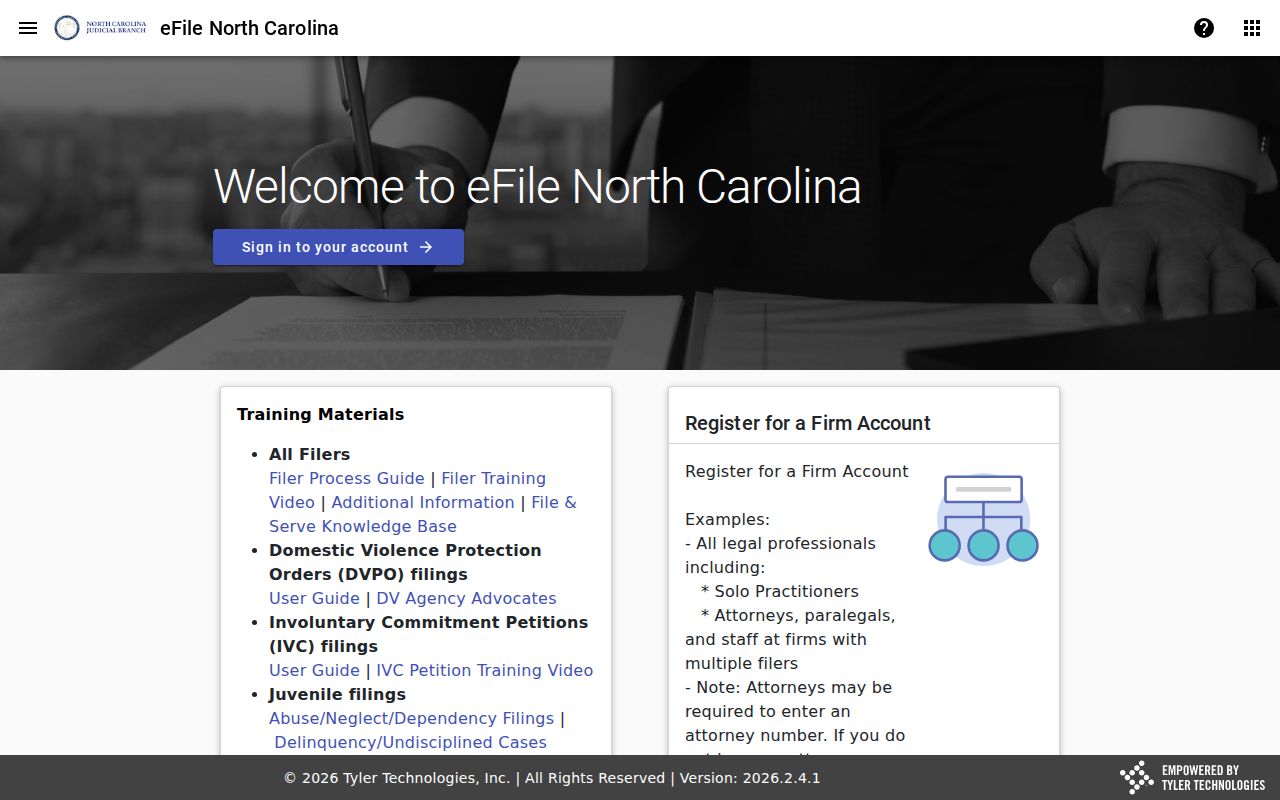
File & Serve is a different system entirely. It handles filings, not public case lookup, and it cannot replace a Graham County Case Summary search.
Searching by Case Number
One Graham County Case Summary is usually fastest to reach with a complete case number. The official Portal guide leans on 01CR123456-100 in a troubleshooting example. That string is a format illustration only. It is not a Graham County case number. It is not a local numbering rule, and its segments should not be decoded for any real case.
Type the known Graham County number exactly as you have it. A wildcard needs at least four number characters before the *. Even a hit still needs a human check. Review county, parties, category, status, Case Events, and hearings. Portal cannot search a Graham County case by charge.
Graham County Case Search Summary Menu
Portal labels its working Graham County docket view the Case Summary. It is also called the Register of Actions. For public case types, it shows a near-real-time chronology. What sections appear depends entirely on the data in that case. Possible contents include Case Information, Assignment Information, Party Information, causes of action where applicable, Case Events, Dispositions, Hearings, and Financial Information.
- Case Event
- A dated docketable action, such as a filing, service-related action, hearing, or disposition.
- Case status
- A procedural label. It should be read with the event history, not in isolation.
- Hearing
- A scheduled court event. Search Hearings supplies its current location and time.
- Disposition
- A recorded result that can be followed by later administrative activity.
- Certified copy
- A copy authenticated by the Clerk. The Portal display itself is not an official record.
The Western District of North Carolina jurisdiction page covers that separate federal court.
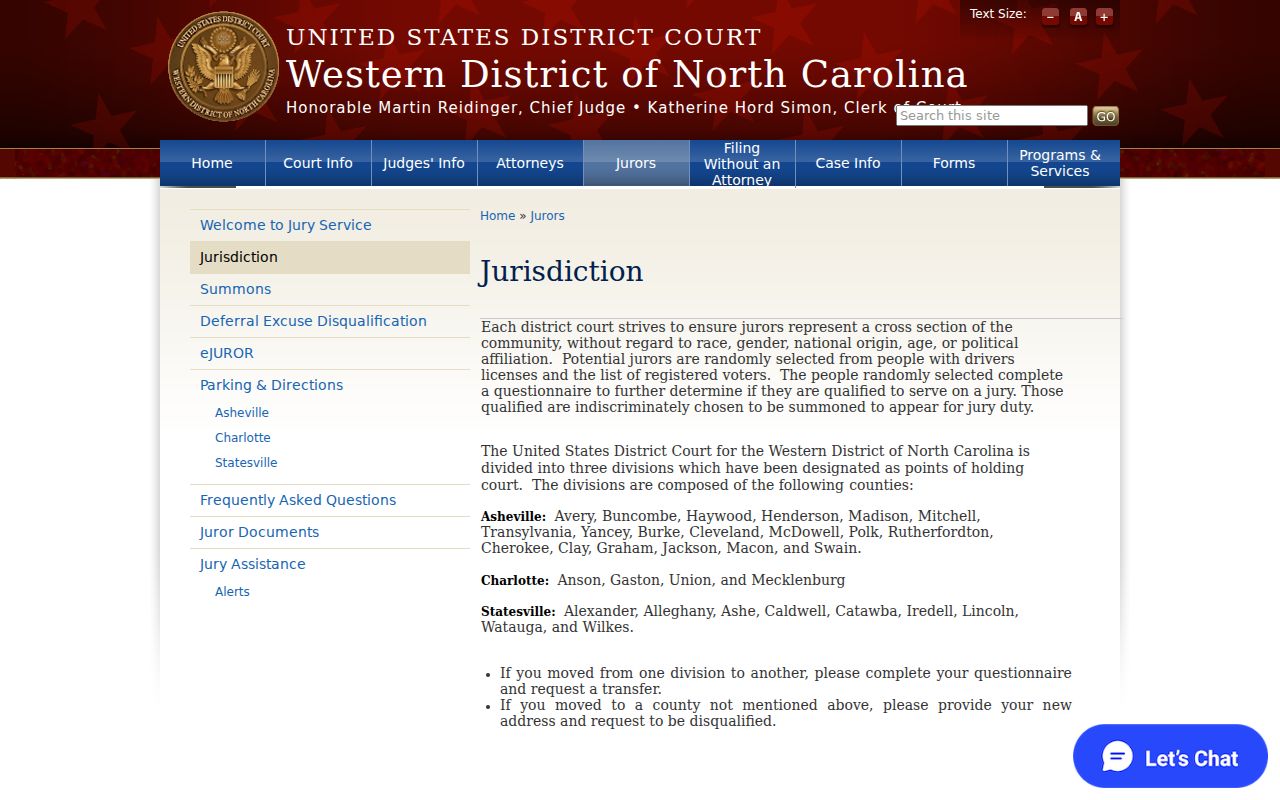
Federal dockets run on a separate court system. Keep them apart from the Graham County state-court Case Summary.
What a Case Search Returns
For public Graham County case types, Smart Search can return a full Case Summary, the Register of Actions, along with public information as processing and case volume allow. Documents, where available, must be downloaded one at a time. The public view is not a certified file. It may lack certain documents, categories, party details, or record features, and whether case images exist is a separate question from what the event entries say.
| Case Information | A Graham County case number, status, and core case details when present. |
|---|---|
| Assignment Information | The court or judicial assignment area supplied for that Case Summary. |
| Party Information | Publicly returned parties, with victims excluded from the public party list. |
| Causes of Action | Claim categories for civil, family, probate, or mental-health matters when applicable. |
| Case Events | A dated chronology of docketable actions. Read later events as well as earlier ones. |
| Dispositions | Recorded outcomes or results when the Graham County case contains them. |
| Hearings | Scheduled-event information when it is present in the Graham County Case Summary. |
| Financial Information | Shown when applicable; the presence of a section depends on the case data. |
The official PACER access page supplied this image of a separate federal docket-access path.
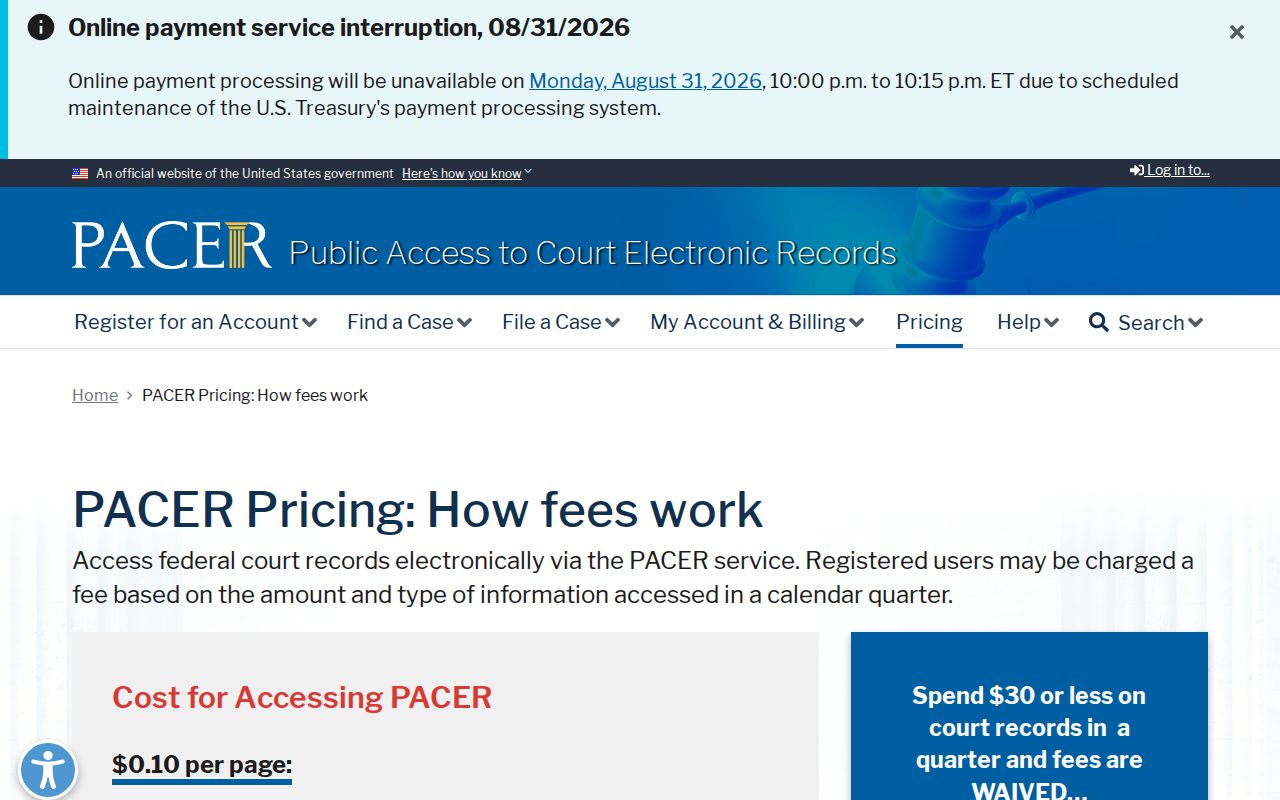
PACER access is not a replacement for the public Graham County state-court Portal search.
Graham County Case Search Status Labels
A status label is a pointer, not a verdict. Published Portal examples include Pending, Appealed, Disposed, trial dispositions by judge, jury, or magistrate, Voluntary Dismissal, Reopened, Stayed, Remanded, Unserved, Transfer to Another County, Transferred to Superior Court, and Trial De Novo. Which value applies depends on the case category. Read the event entry and the order behind the label. Do not trust the word alone.
Some Graham County criminal cases open in District Court and later move to Superior Court. A District Court criminal appeal can trigger a trial de novo there. So whenever Portal shows transfer, appeal, remand, or reopening language, compare the Graham County Case Events. Compare the current hearings and the dispositions too, instead of relying on one status word.
Note: a converted pre-eCourts event may show a 12:00 a.m. time stamp. That stamp is not an actual Graham County hearing time.
Statewide vs County Case Search
Graham County runs no separate county-owned case portal. Instead, the statewide eCourts Portal is where the public finds Graham County case summaries, hearing details, judgment indexes, and eligible criminal payments online. The local route still matters. The Graham County Clerk and the public self-service terminal fill the gaps whenever the online display looks incomplete, a paper file is needed, or an official copy is required.
| North Carolina eCourts Portal | Graham County Clerk and terminal |
|---|---|
| Statewide public search across eCourts case types | Local access point for Graham County court files and assistance |
| Smart Search, Search Hearings, NC Judgment Search, and eligible criminal payments | Nonconfidential paper-file access, terminal use, and official-copy requests |
| Near-real-time public Case Summary | Official record source and local fallback for a missing online result |
| Registration is not required for public searching | Call before travel when terminal or copying assistance is needed |
The separately authorized CourtListener/RECAP search interface is the source for this federal-docket image.
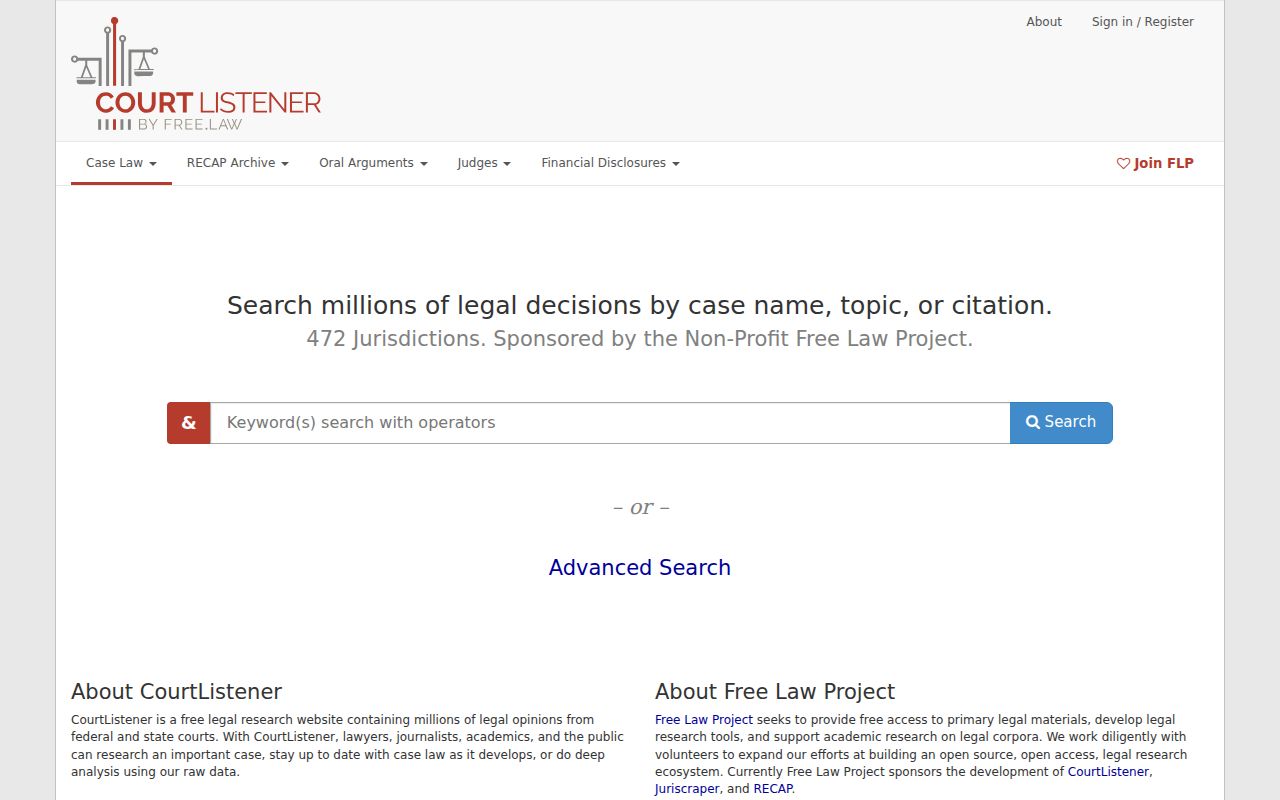
That federal archive is a different animal from a Graham County Portal Case Summary or the clerk-held state court record.
Graham County Case Search and Clerk
Public viewing on the Portal is free. Still, the portal itself warns that it is not the official court record. The Graham County Clerk of Superior Court keeps the real files: Superior Court, District Court, small-claims and magistrate, estates, special-proceeding, criminal, civil, and judgment dockets. Turn to the clerk when you need a certified copy, an older paper file, terminal help, or an answer the online result cannot give. The Fourth Circuit jurisdiction information explains the appellate court's coverage.
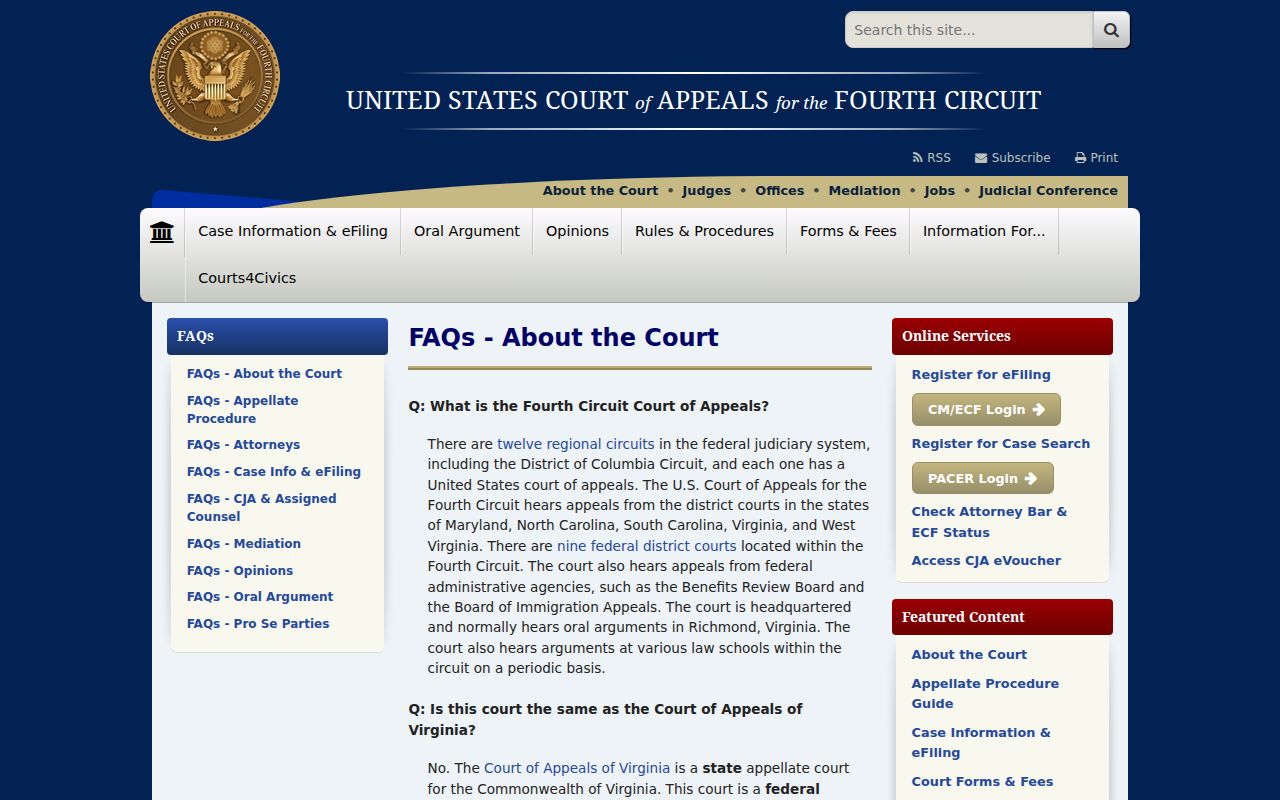
A state-court Graham County Case Summary and a federal appeal docket stay separate, even when the same legal history connects them. Each record answers to a different court.
Access and Restricted Cases
Graham County public access has real limits. The Portal leaves out sealed, confidential, and restricted material. Sealed or expunged records drop from online view, per the official FAQ. Juvenile records need elevated access and follow separate confidentiality rules. Some protective-order and domestic-violence matters are kept out of ordinary public indexing. A missing Graham County result can trace to spelling, indexing, format, processing, restriction, or sealing. It proves nothing about outcome.
The Portal masks date-of-birth details and offers no public Social Security number validation. Victims never appear on the public party list. For a dispute over public access to a civil record, N.C.G.S. § 1-72.1 lays out an access-motion process. Take a court-file access question to the local Graham County Clerk. Do not use the Judicial Branch administrative public-record form.
Graham County Case Search No-Result Fallback
No public match on a careful Graham County Portal search? Retry the exact name or number. Check the county and status filters. Then weigh the access limits. Still stuck? Contact the Graham County Clerk of Superior Court or visit the courthouse. A public terminal and nonconfidential files are available there. The court system notes that paper records are inspected in the county where the case sits.
Graham County Clerk of Superior Court
Graham County Courthouse
12 Court Street
Robbinsville, NC 28771
(828) 479-7000
Monday through Friday, 8:00 a.m. to 5:00 p.m.
For direct local help, the Graham County court contact directory lists the official contacts. Ask about public case files or the terminal, not legal advice.
Graham County Case Search Wildcards
Try an exact search first. Wildcards only make sense after that fails. A case-number wildcard needs at least four known characters before the asterisk. For names, use at least three surname characters. Use at least one first-name character too, before the asterisks. Broad wildcards can pull statewide results, so keep the Graham County location filter on.
The official guide's sample 01CR123456-100 shows a search format, not a Graham case. Never invent a local case-number series from it. When you have a number, enter it precisely. Resort to a controlled wildcard only if an indexing or formatting issue persists.
Graham County Case Search Hearings
A Case Summary tells you what has hit the file. Search Hearings answers a separate question: when and where a current setting is listed. It accepts case number, party, business, attorney, attorney bar number, judicial officer, or courtroom as the selected search type. Results give location and time. They will not say whether an appearance is virtual or in person.
For a case date, open the public Case Summary first. Then run Search Hearings and compare it against Graham's civil or criminal calendars. A court order or a current case-specific entry beats an old session schedule. Call the Clerk or the courtroom contact whenever the setting stays unclear. Call too if a notice clashes with the portal.
Graham County Case Search Midnight Events
Graham County joined the Odyssey eCourts system in July 2024. Some converted historic events display a 12:00 a.m. time stamp. That quirk is a conversion clue. It helps when a case search seems to show a bizarre overnight event. It does not mean a filing, hearing, or court action happened at midnight.
Read the event date alongside the surrounding Case Events and Hearings. Check the disposition as well. A timestamp alone is not enough. Ask the Graham Clerk for the public record. Do this if a historic entry matters to a court deadline, an official copy, or a current proceeding. The Portal timeline remains distinct from the official court file.